Table of Contents
Introduction
Filling out the SBI Clerk 2026 application form feels simple, right up until you hit the photo upload box. Then your 3 MB phone photo refuses to go anywhere near the 50 KB limit, and suddenly you’re Googling “how to shrink a photo” at 11 PM.
You are not alone. Every year, thousands of candidates lose precious application time fighting file-size errors instead of studying for the exam. This guide fixes that. It covers the exact SBI Clerk photo and signature size for 2026, the steps to resize them correctly, and the mistakes that get forms rejected.
State Bank of India released the SBI Clerk Notification 2026 (Advertisement No. CRPD/CR/2026-27/17) on 11 August 2026 for the post of Junior Associate (Customer Support & Sales). The bank announced 9,766 vacancies, and the online application window runs from 11 August to 31 August 2026. With that kind of competition, you don’t want your application stuck at the upload step.
Why Your Photo and Signature Size Actually Matters
Here’s the part candidates underestimate. The SBI application portal does not “suggest” a photo size. It enforces it.
Upload a file that is too large, too small, or in the wrong dimension, and the system throws an error before you can move to the next section. Some candidates panic, resize the image incorrectly under pressure, and end up with a blurry, stretched, or cropped photo that looks nothing like them.
That photo later gets matched against your face at the exam centre and at document verification. A distorted or unclear image can create real problems during identity checks, even if your actual documents are in order.
In short: getting this right the first time saves you stress, time, and potential disqualification.
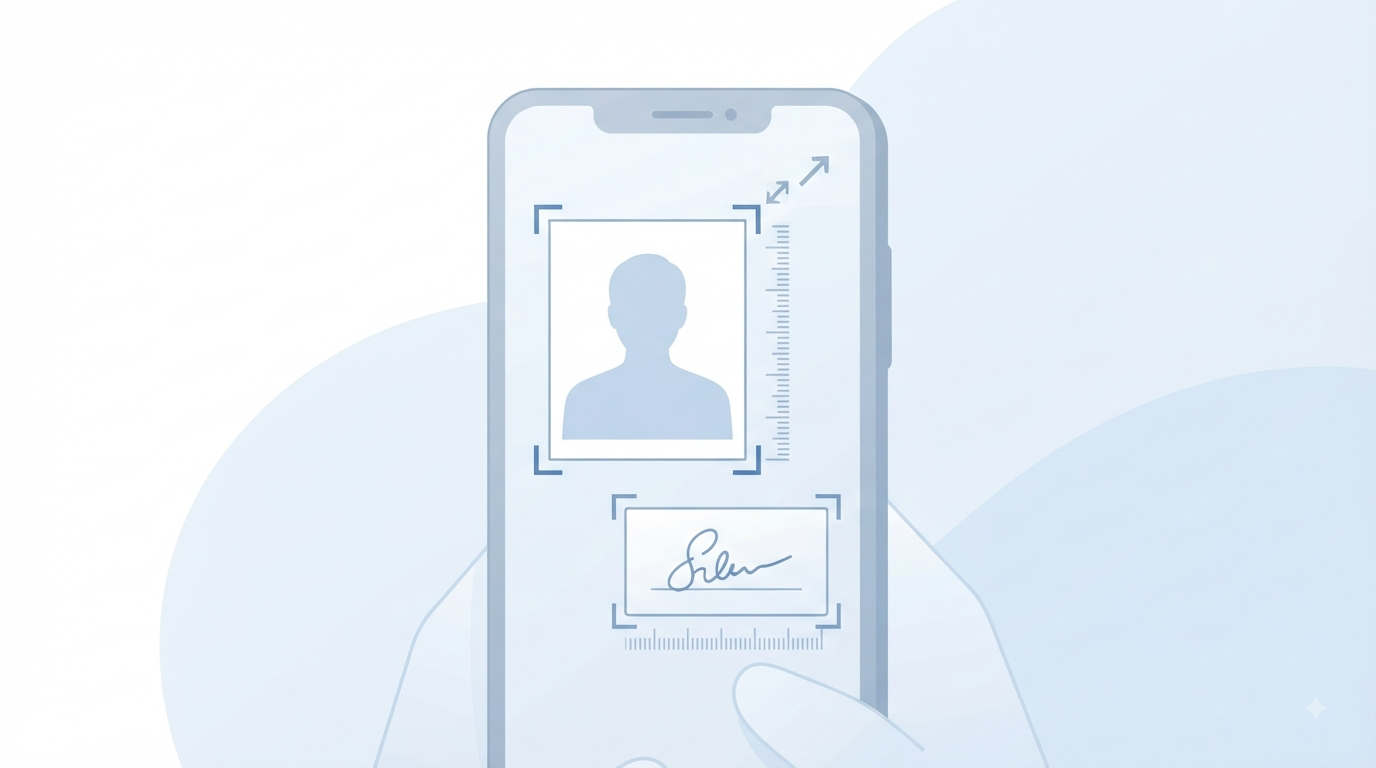
SBI Clerk Photo Size 2026: Dimensions, Format & File Size
Based on the SBI Clerk 2026 notification and its consistency with SBI’s other recruitment drives (SBI PO and IBPS Clerk follow near-identical specifications), here is what candidates are required to submit.
| Specification | Requirement |
|---|---|
| Photo dimensions | 4.5 cm x 3.5 cm (approx. 200 x 230 pixels) |
| File size | 20 KB – 50 KB |
| Format | JPG / JPEG |
| Background | Plain white or light-coloured |
| Photo age | Recent (taken within the last 3–6 months) |
| Attire | No caps, hats, or dark glasses |
A few practical notes the notification also stresses:
- If you used flash, check for red-eye before uploading.
- If you wear spectacles, avoid glare that hides your eyes.
- Your face should be clearly visible from forehead to chin, with a neutral expression.
One honest disclosure here: a few third-party resizing tools online list the SBI Clerk photo as 200×200 pixels instead of 200×230. This is likely because they’ve reused a template built for a different exam. Dimensions this close can genuinely confuse applicants, so always cross-check the exact pixel count against the official SBI Clerk 2026 notification PDF before your final upload. It takes two minutes and removes all doubt.
SBI Clerk Signature Size 2026: What You Need to Know
Your signature upload has its own, stricter rule set. This is the one candidates get wrong most often.
| Specification | Requirement |
|---|---|
| Signature dimensions | 140 x 60 pixels |
| File size | 10 KB – 20 KB |
| Format | JPG / JPEG |
| Ink colour | Black ink on white paper |
| Letter style | Cursive/running hand — capital (block) letters are NOT accepted |
That last point deserves its own paragraph, because it quietly disqualifies more applicants than any file-size error. If you sign your name in block capitals, like you’re filling out a form at the passport office, the system may flag it as a mismatch. Sign the way you normally sign a cheque or a document. That’s your legal signature, and it’s the one SBI wants.
Thumb Impression and Handwritten Declaration: The Other Two Uploads
Most guides stop at photo and signature. But the SBI Clerk application form also asks for a left thumb impression and a handwritten declaration. Miss these, and your form stays incomplete.
| Document | Dimensions | File Size | Format |
|---|---|---|---|
| Left thumb impression | Approx. 240 x 240 pixels | 20 KB – 50 KB | JPG/JPEG |
| Handwritten declaration | 800 x 400 pixels (10 cm x 5 cm) | 50 KB – 100 KB | JPG/JPEG |
The handwritten declaration must be written by hand, in your own handwriting, on plain white paper. You cannot type it, print it, and scan it. SBI provides the exact wording in the official notification. Copy it exactly. Don’t add your signature or the date unless the notification specifically asks for it.
Step-by-Step: How to Resize Your Photo and Signature Correctly
You don’t need Photoshop skills for this. Here’s the simple, no-nonsense process.
Step 1: Start with a clean original. Take a fresh photo against a plain white or light background, or scan your signature on white paper with a black pen. Don’t reuse an old passport photo from 2019 — SBI wants a recent image.
Step 2: Crop to the correct aspect ratio. Crop your photo close to a 4.5 x 3.5 cm proportion before resizing. Cropping first prevents the final image from looking stretched or squeezed.
Step 3: Resize to exact pixel dimensions. Use any free online image resizer or basic photo editor to set your photo to approximately 200 x 230 pixels and your signature to 140 x 60 pixels.
Step 4: Compress to the required file size. This is the step most people skip. A correctly sized image can still be too heavy in kilobytes. Use the “compress” or “quality” slider in your resizing tool to bring the photo down to 20–50 KB and the signature to 10–20 KB.
Step 5: Check the file format. Save the final file as JPG or JPEG. SBI’s portal typically rejects PNG, BMP, or PDF uploads for these fields.
Step 6: Preview before you upload. Zoom in on the preview. Blurry text, faded ink, or a pixelated face are red flags. Redo it if it looks off.
Step 7: Rename the file clearly. Something simple like photo.jpg or signature.jpg avoids confusion when you’re uploading multiple documents in one sitting.
Common Mistakes That Get SBI Clerk Applications Rejected
Let’s be honest about where things usually go wrong, because most of these are avoidable in under a minute.
- Uploading a WhatsApp-compressed photo. WhatsApp aggressively compresses images and adds artifacts. It might scrape past the file-size limit but look grainy on inspection.
- Signing in capital letters. As mentioned above, this alone can trigger a mismatch flag.
- Using an old or scanned passport photo. SBI wants a recent photo, not the one from your college ID card.
- Wearing sunglasses or a cap in the photo. Basic, but it happens more often than you’d think.
- Ignoring the exact file size range. A 55 KB file might look fine to you, but if the system caps it at 50 KB, it simply won’t upload.
- Typing the handwritten declaration. It must be handwritten. No exceptions.
- Forgetting to check the final crop. Auto-crop tools sometimes cut off part of the face or signature edge. Always preview.
SBI Clerk vs IBPS Clerk Photo & Signature Size: Quick Comparison
Since many candidates apply for both SBI Clerk and IBPS Clerk in the same season, here’s a side-by-side look. Good news: the specifications are nearly identical, so one properly resized photo set can often serve both applications.
| Parameter | SBI Clerk 2026 | IBPS Clerk 2026 |
|---|---|---|
| Photo dimensions | ~200 x 230 px (4.5 x 3.5 cm) | 200 x 230 px |
| Photo file size | 20–50 KB | 20–50 KB (up to 100 KB on some IBPS portals) |
| Signature dimensions | 140 x 60 px | 140 x 60 px |
| Signature file size | 10–20 KB | 10–20 KB |
| Capital letter signature | Not accepted | Not accepted |
| Format | JPG/JPEG | JPG/JPEG |
Convenient, yes. But don’t assume they’re identical without checking. Bank exam portals love their small, silent variations, and a “close enough” file size still isn’t the same as an accepted one.
Free Online Tools vs Manual Resizing: Which Should You Use?
You have two honest options here, and both work.
Free online resizer tools
- Pros: Fast, no software download, most process images in your browser, and many don’t upload your photo to a server (worth checking their privacy note before use).
- Cons: Ad-heavy sites can be distracting, and quality varies between tools.
Manual resizing (MS Paint, GIMP, Photoshop, mobile apps)
- Pros: Full control over cropping, compression, and final quality.
- Cons: Slower if you’re not familiar with the software, and it’s easy to miss the exact KB target.
If you’re short on time, a browser-based resizer built specifically for SBI or IBPS specifications is usually the faster, safer route, since the dimensions are already pre-set. Just confirm the tool processes images locally in your browser rather than uploading them to an external server, especially for something as personal as your signature.
Tips for a Clean, Acceptance-Ready Photo and Signature
A few small habits make a real difference:
- Take your photo in daylight near a window instead of using harsh indoor flash.
- Keep your expression neutral, with both eyes open and looking at the camera.
- Use a medium-tip black ballpoint pen for your signature — thin gel pens can look faint after compression.
- Sign on a flat, hard surface so the ink doesn’t smudge or waver.
- Avoid signing on lined paper. The lines can interfere with automated verification.
- Keep a digital backup of your final resized files. You may need them again for the admit card or document verification stage.
Frequently Asked Questions
Q1. What is the exact SBI Clerk photo size for 2026? The photo should be approximately 4.5 cm x 3.5 cm (around 200 x 230 pixels), with a file size between 20 KB and 50 KB, in JPG or JPEG format. Always confirm the exact figure against your specific notification PDF, since minor variations can appear between recruitment cycles.
Q2. What is the SBI Clerk signature size 2026? The signature should be 140 x 60 pixels, with a file size between 10 KB and 20 KB, saved as JPG or JPEG. It must be signed in running/cursive handwriting, not block capitals.
Q3. Can I use a selfie as my SBI Clerk photograph? It’s not recommended. SBI application photos are meant to resemble a formal passport-style photograph with a plain background and neutral expression, not a casual selfie.
Q4. What happens if my photo or signature size doesn’t match the requirement? The application portal will usually block the upload with an error message. In rare cases where a mismatched file does get through, it can cause issues later during document verification.
Q5. Can I write the handwritten declaration on a computer and scan it? No. It must be written entirely by hand on plain white paper, then scanned or photographed and uploaded within the specified size limit.
Q6. Is the SBI Clerk photo and signature size the same as IBPS Clerk? They are very similar and often identical (200 x 230 px photo, 140 x 60 px signature). Even so, applicants should verify both notifications separately, since portals can update specifications between cycles.
Q7. Do glasses affect my SBI Clerk photo approval? Spectacles are usually allowed, but the notification advises against visible glare or reflections that hide your eyes. Some notifications increasingly prefer photos without spectacles, so check the current year’s guidelines.
Final Word
The SBI Clerk 2026 exam is a genuine opportunity, and this year’s 9,766 vacancies make it one of the bigger clerical recruitment drives in recent memory. Don’t let a 30 KB photo file stand between you and a completed application.
Get your photo and signature sized correctly, follow the format rules exactly as written, and double-check everything against the official notification before you hit submit. The exam is hard enough without technical errors adding to the pressure.
Sources & Official References
- State Bank of India Careers Portal — https://sbi.bank.in/web/careers/current-openings
- SBI Clerk 2026 Notification, Advertisement No. CRPD/CR/2026-27/17 (released 11 August 2026)
- State Bank of India official website — https://sbi.co.in
Disclaimer: Photo and signature specifications can be revised between recruitment cycles. Always verify the exact figures against the current SBI Clerk notification PDF on the official careers portal before submitting your application.

I am a content creator and SEO-focused writer who shares accurate, easy-to-understand information on government jobs, exams, results, and educational updates to help students make better career decisions.